
A knockout race for any list of names
Every round is a real race: the top ducks go through, the field gets smaller, and the final decides first, second and third.
A single race picks a winner in a minute. A knockout race gives you a whole tournament: every name becomes a duck, the first ducks home go through, and the field gets smaller round after round until the final decides first, second and third.
This guide takes you through a whole tournament, from your list of names to the final ranking. You need nothing but a browser: no sign-up, no download.
Quick start
- Open the knockout race and paste your names, one per line.
- Leave the plan on Automatic: it already fits your list.
- Press Continue, then Start the race. The rounds run by themselves until the final.
Step 1: Set up the race
Everything is on one screen. The numbers in the picture match the list below it.
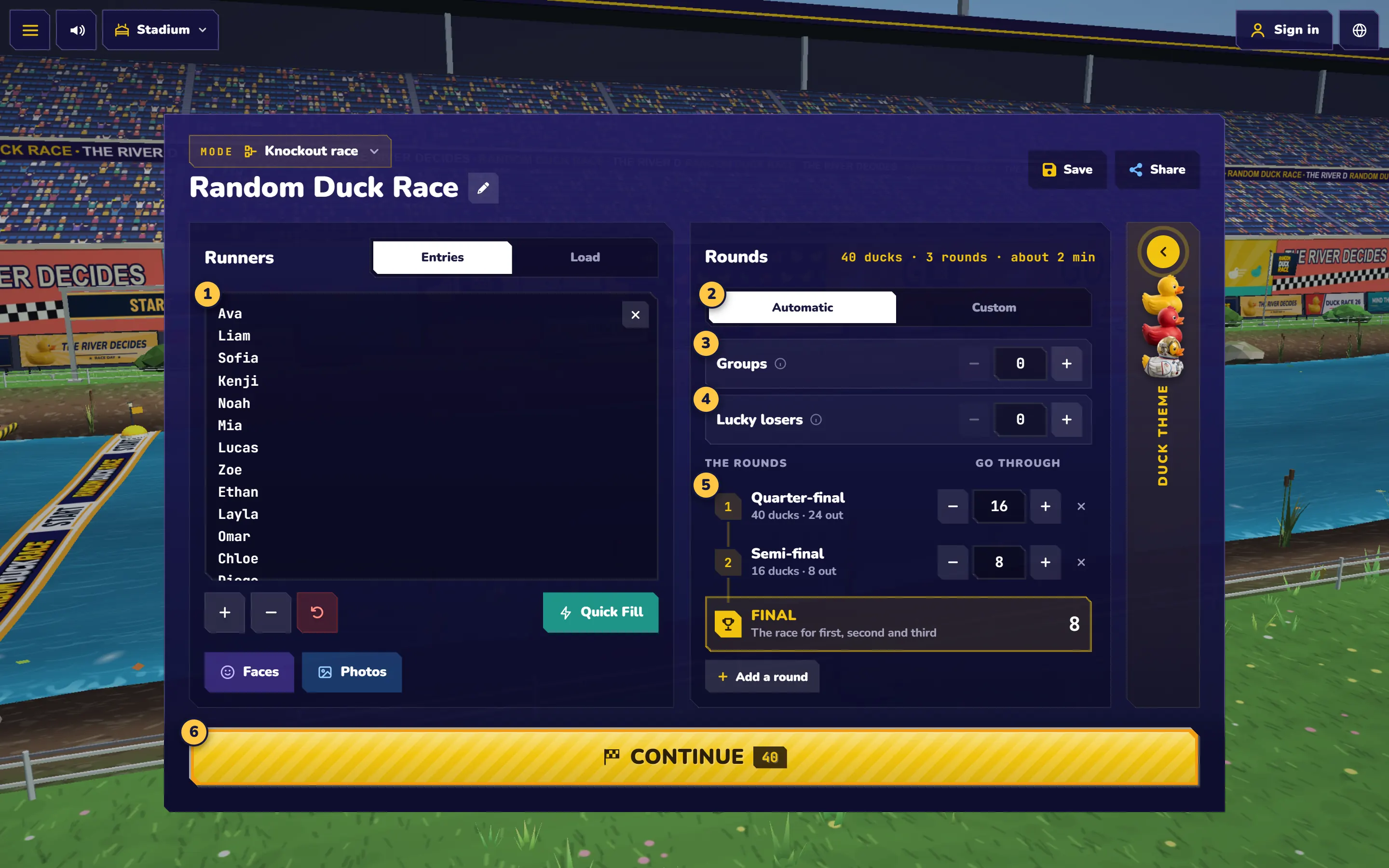
- Runners: paste your names, or import a CSV or Excel file. You need at least 4 and can have up to 1,000.
- Automatic or Custom: let the plan follow your list, or set the rounds yourself.
- Groups (optional): start with a group stage. Leave it at 0 to skip it.
- Lucky losers (optional): bring back some of the ducks just knocked out. Leave it at 0 to skip it.
- The rounds: how many ducks go through each round. The line above shows how long the whole race should take.
- Continue: when the plan looks right, go to the start line.
Step 2: Choose your plan
For most events, Automatic is all you need. It sets the rounds from the length of your list and changes them when the list changes:
| Names | Rounds in the automatic plan |
|---|---|
| 4–15 | ½ → Final |
| 16–23 | 8 → Final |
| 24–99 | 16 → 8 → Final |
| 100–599 | 50 → 16 → 8 → Final |
| 600–1000 | 200 → 50 → 16 → 8 → Final |
Your own rounds. Choose Custom to change how many ducks go through each round, or to add a round.
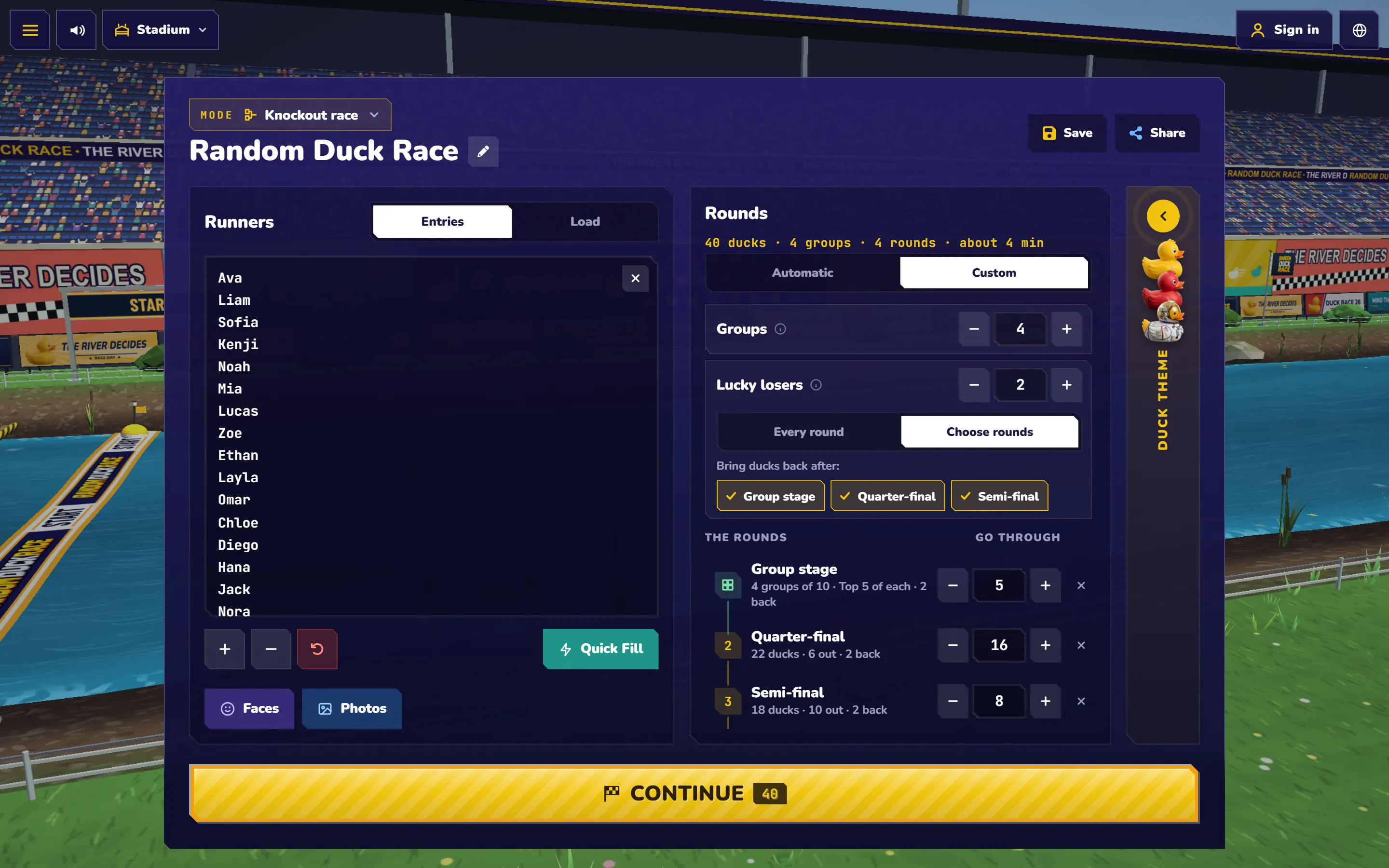
Groups. Split a long list into smaller races, like the group stage of a tournament. The ducks are drawn into groups at random, you see the draw first, and the top ducks of each group go through. For example, 24 ducks in 4 groups make four races of 6. With the top 3 of each going through, 12 ducks race on.
Lucky losers. Give a knocked-out duck a second chance: the number you set is drawn at random from the ducks just knocked out, after every round or only the rounds you choose. Leave it at 0 and a duck knocked out stays out. For example, with 40 ducks, the top 16 going through and 1 lucky loser, 17 ducks race in the next round. To set it, use Every round or Choose rounds.
Step 3: Run the rounds
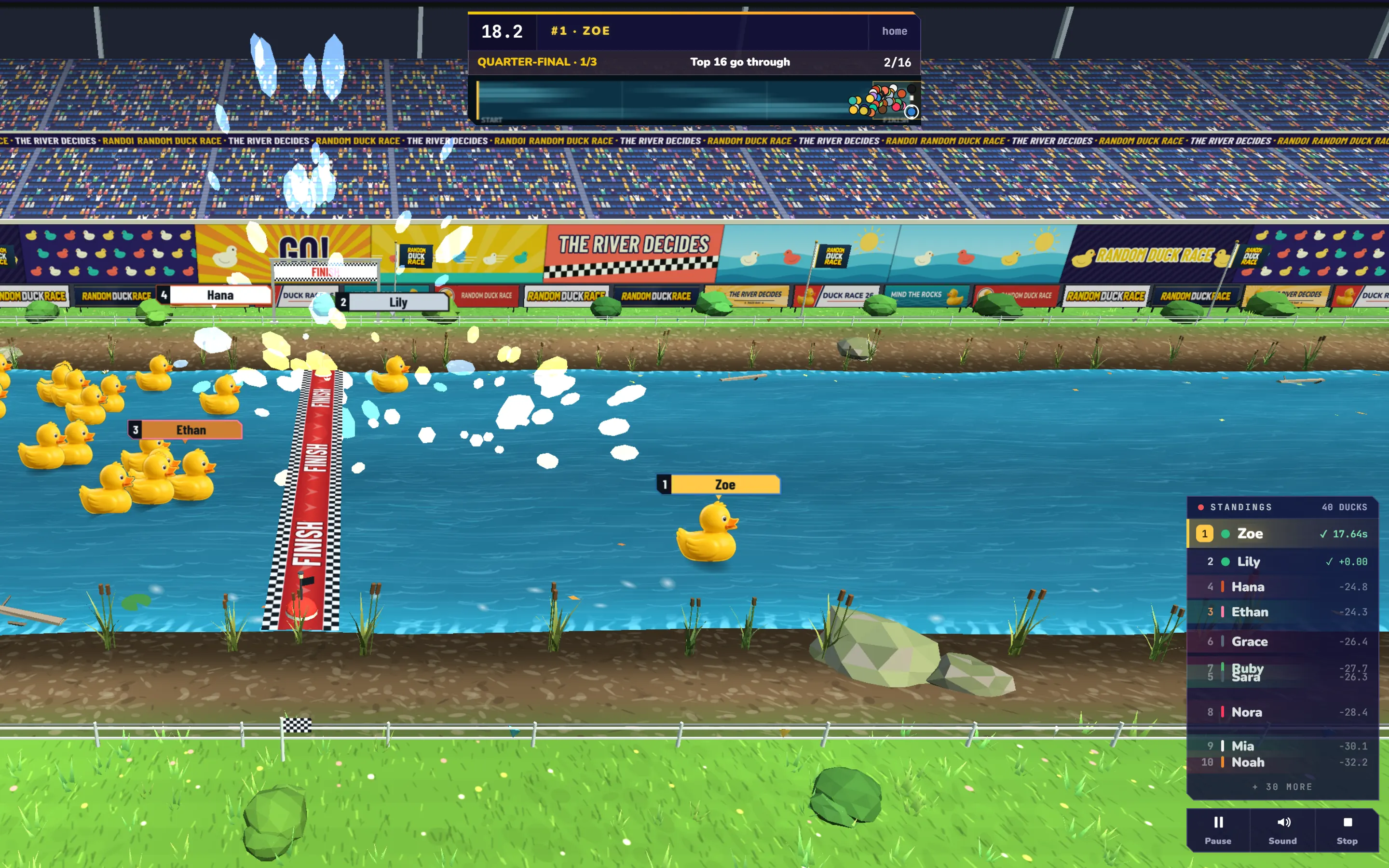
After Continue, the camera flies over the course and waits for you: press Start the race. With groups, the draw comes first, so everyone sees who is in which group. During a race, the bar at the top shows the round and how many ducks have gone through. The round stops as soon as all its places are taken.
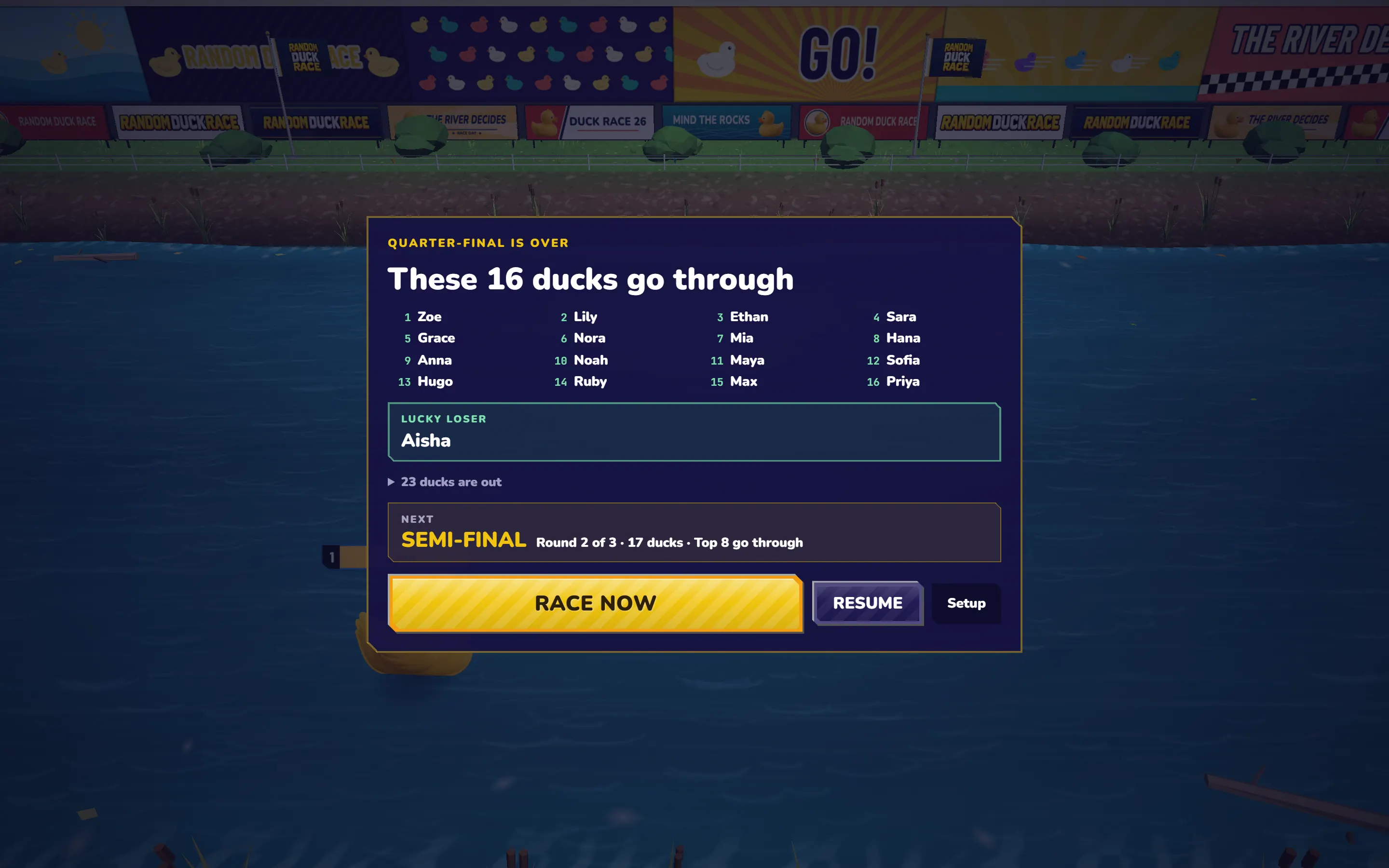
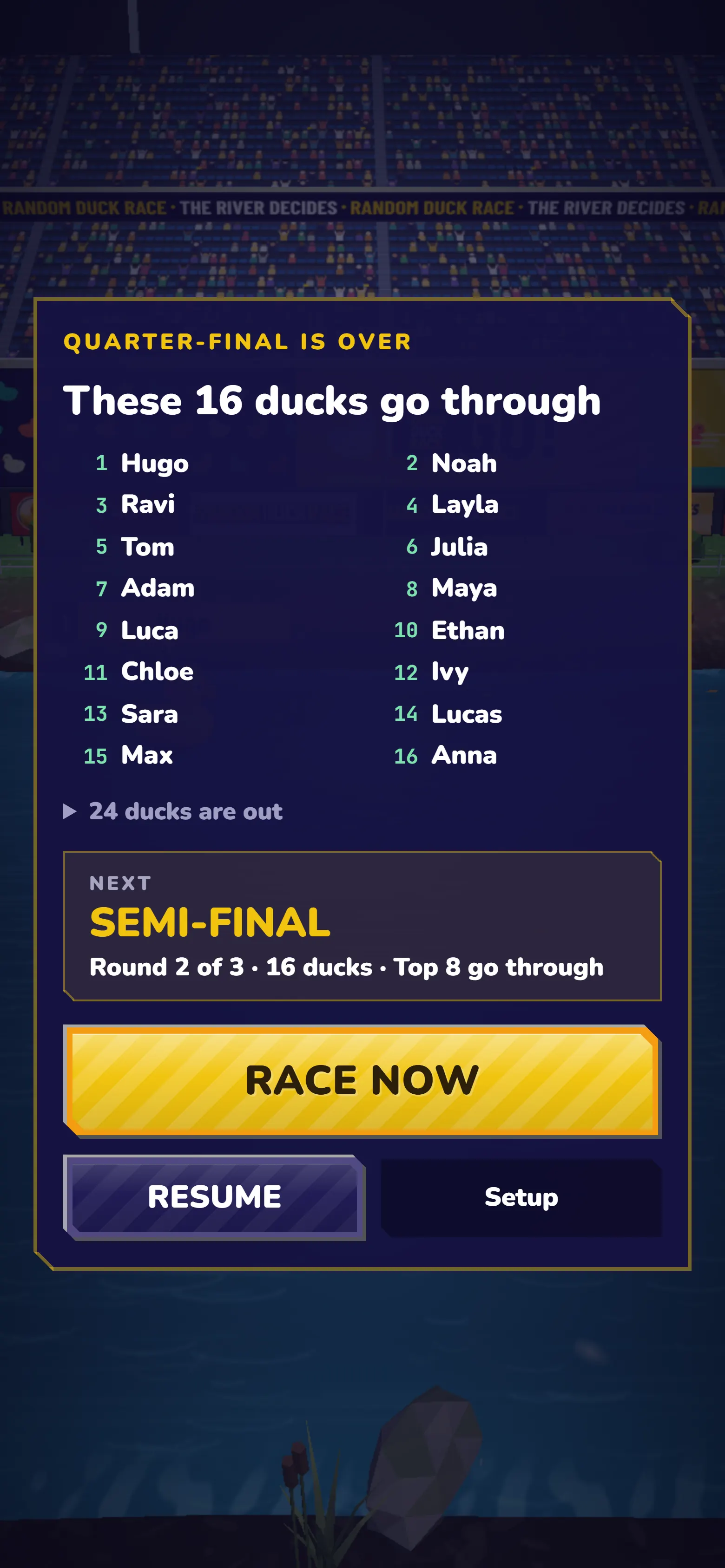
After each round you see who went through and who is out, and the next round starts by itself five seconds later. You stay in control:
- Pause stops the countdown, so you can read the names out or announce the lucky loser.
- Race now starts the next round straight away.
- Setup leaves the tournament and goes back to the setup. Use it only if you want to stop: the race is not kept.
Step 4: Announce the winner and keep the result
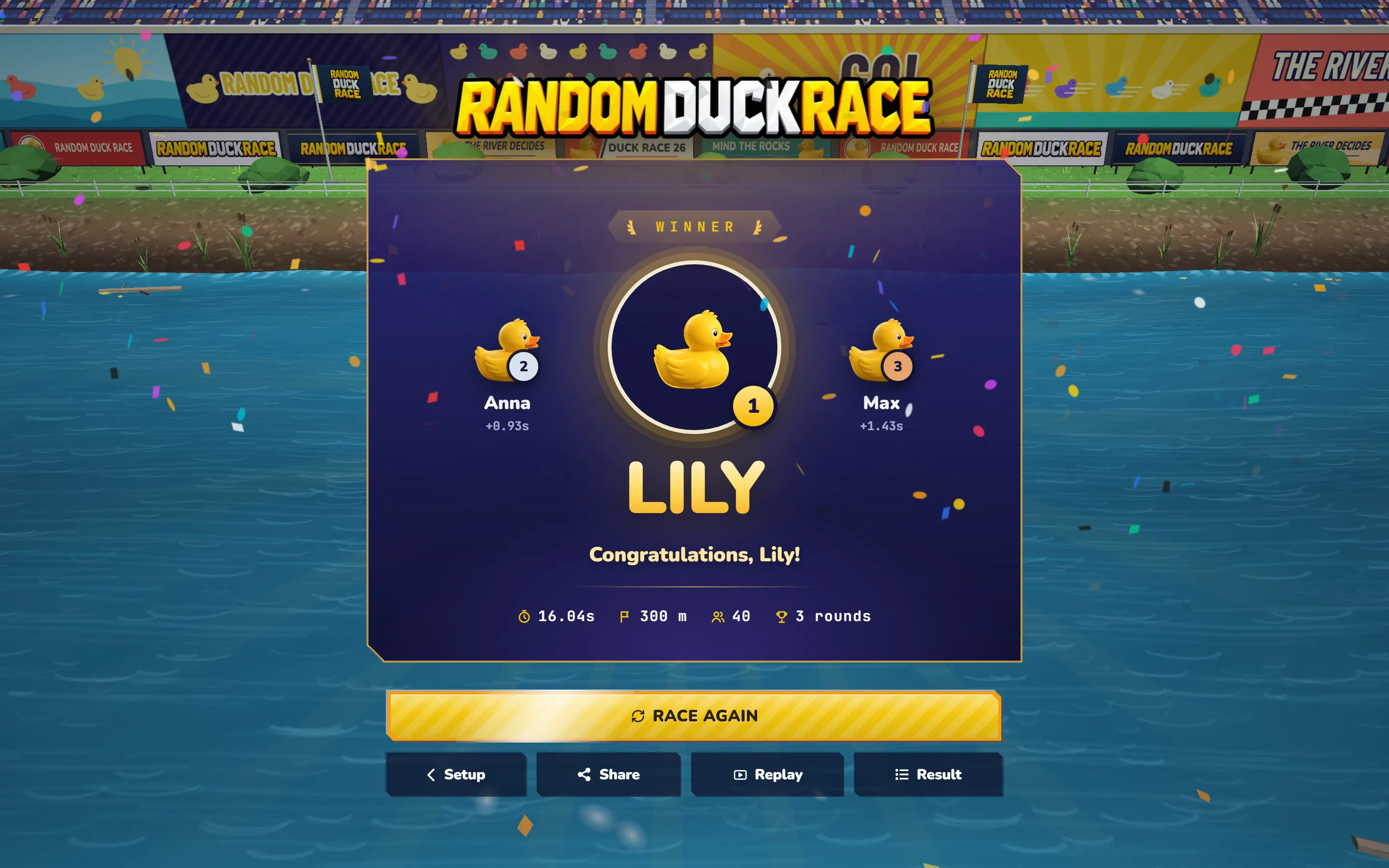
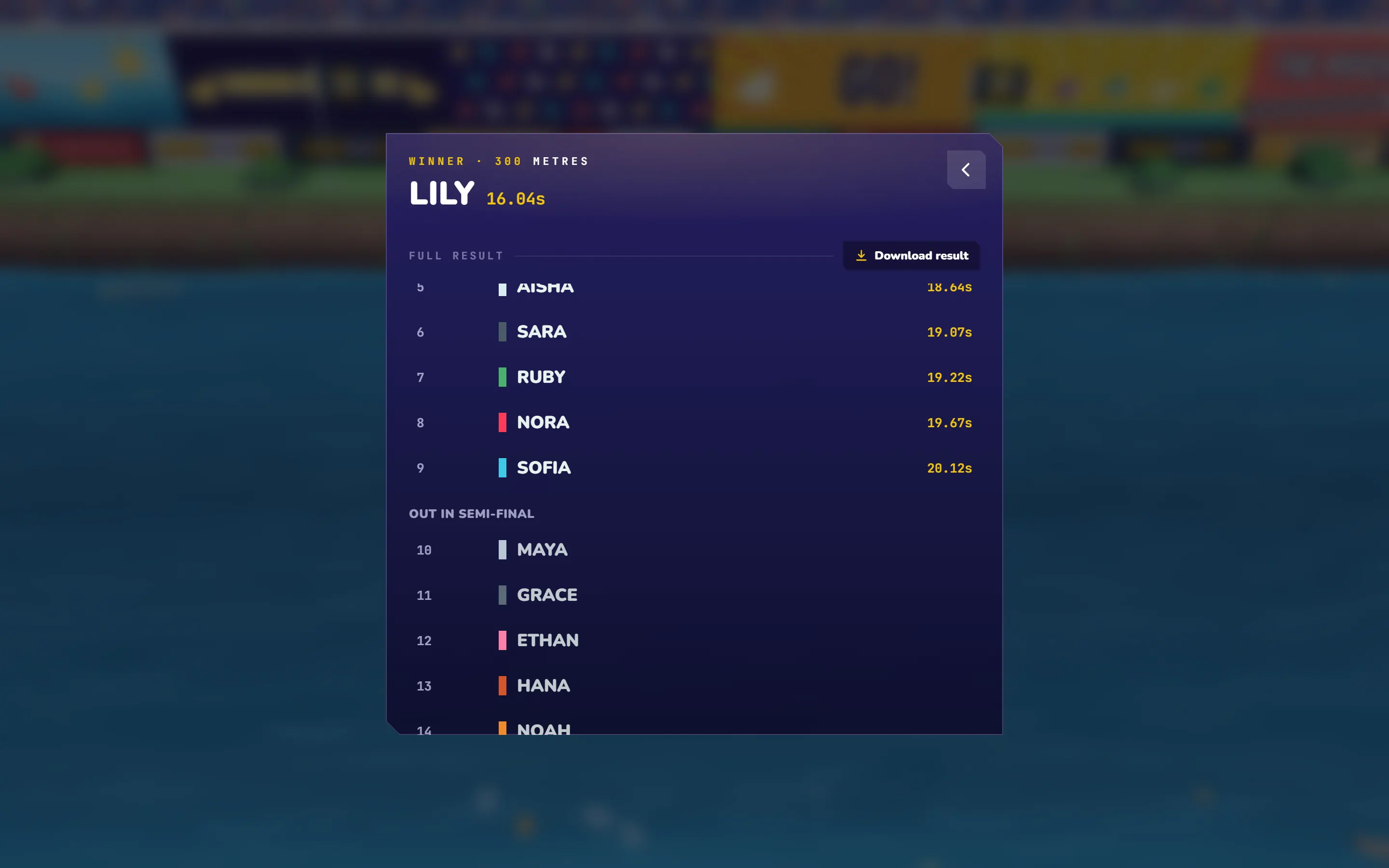
The final decides first, second and third on the winner’s screen. Open the full result for the whole ranking: the finalists first, then each round’s ducks, the later they went out the higher. Press Download result for a spreadsheet, or Share for a result page with its own link.
What happens if the page reloads in the middle?
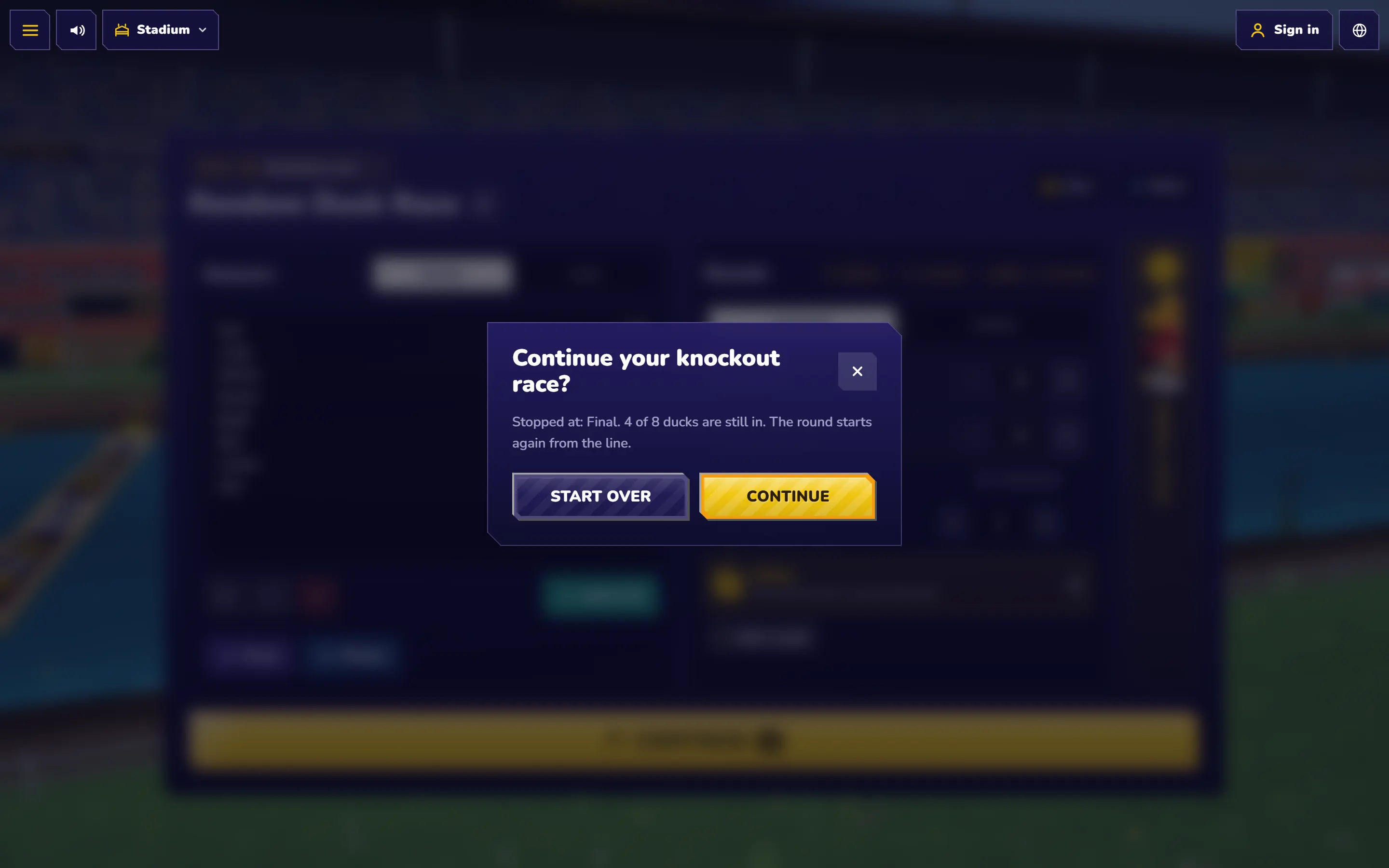
Nothing is lost. After each round the race is saved on your device, and when you open the page again it asks whether to continue, with the same ducks and the same groups. A round that was running starts again from the line. The saved race is kept for one day.
Tips for a smooth event
- Try it first. Run your list once before the event, so you know how long it takes and how it looks on your screen.
- Match the course to your time. Settings has four course lengths, from 100 m to 900 m. Short for a quick lesson, long for a show. The time in the plan changes with it.
- Keep lucky losers small. One or two is enough for a moment of suspense without making the rounds longer.
- Stay on one device. Run the race from one computer connected to the projector or big screen: that is where the race is saved if the page reloads.
Where it works well
- Classrooms: a quiz tournament or a class final on the projector, with a whole lesson of suspense.
- Offices and parties: a lucky draw with heats and a final feels like an event, not a click.
- Streams and communities: long lists get a group stage, and everyone sees how far their name got.
Questions
Can people join on their phones?
Not in this mode: a knockout race runs on one screen, for everyone to watch together. To let phones join, create a room in the duck race.
Is it fair?
Yes. Every duck has the same chance in every race, and the groups and lucky losers are drawn at random. You can run the fairness test yourself.
What is the difference from the team generator?
A knockout race narrows a list down to a winner. The random team generator keeps everyone and deals them into teams.
Keep reading
All posts Teams & work
Random Team Generator: Split Any Group into Fair Teams
Race the whole group once, then deal the finishing order into teams, pairs or captains. Three methods, step by step.
 Classroom
10 Creative Ways to Use Random Duck Race in Your Classroom
From picking a student and forming random groups to “Duck of the Day” and vocabulary races: ten tried-and-tested ideas for the classroom.
 Teams & work
Office Duck Race: Fun, Fair Team Decisions
The lunch break that started Random Duck Race — plus the coffee run, stand-up order and the other small decisions a team can hand to the ducks.