
The duck race app that races offline
Install Random Duck Race Lite once, from the browser, and race anywhere: in a classroom with no Wi-Fi, on a sports field, on a train.

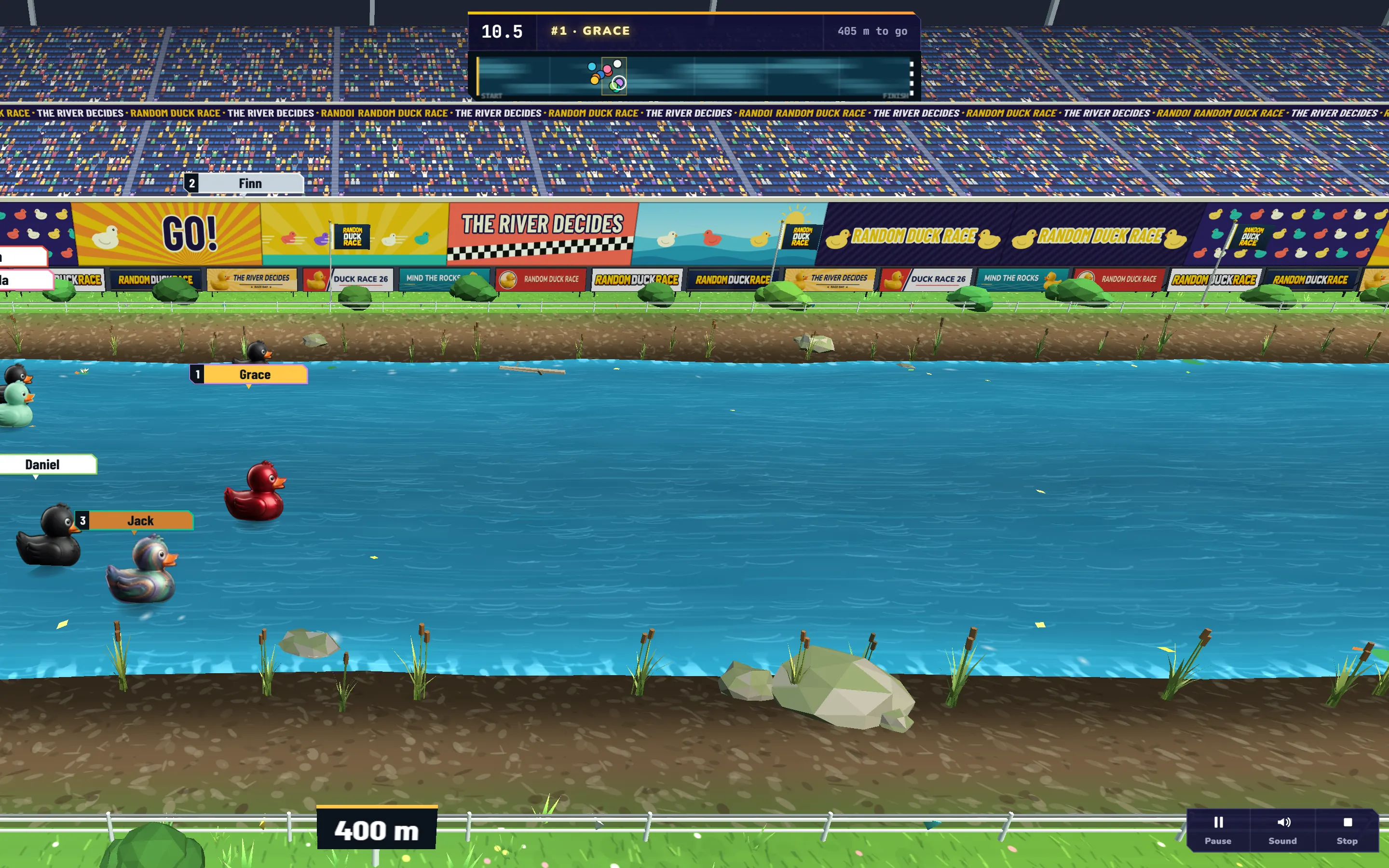
Classroom Wi-Fi drops right when the class is waiting. The sports day is on a field with no signal. The prize draw is on a train. Random Duck Race Lite is the duck race as an app you install once, and it races without the internet: your names, the 3D river in the stadium and a fair winner, online or not.
It is free, with no account and nothing to download from an app store. It installs straight from the browser on a computer, an Android phone, an iPhone or an iPad, and takes about 8 MB.
What the Lite app has
- The duck race, up to 1,000 names, with Chances, saved lists, Save and Share and the winner’s screen.
- Duck Theme: Yellow, Colorful, Mix and My picks.
- Faces and Photos: race the faces of a class photo, or any photo as a runner. The photos stay on your device.
- All 16 languages, and the stadium scenery.
Rooms where phones join, signing in, the other sceneries and skins, and the team generator need the internet or the full game: they are in the web version, one tap away from the app’s menu.
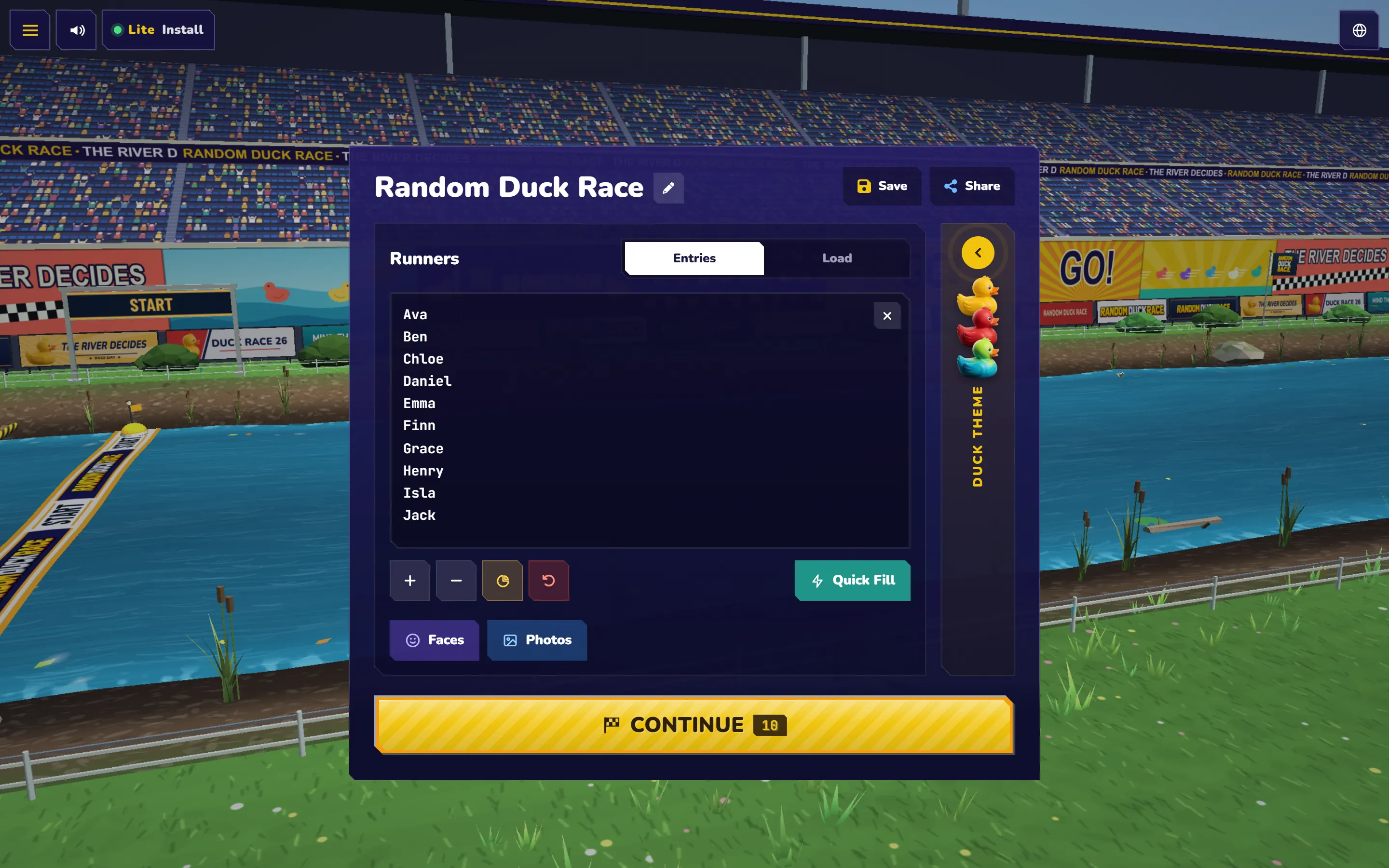
Install it on a computer (Chrome or Edge)
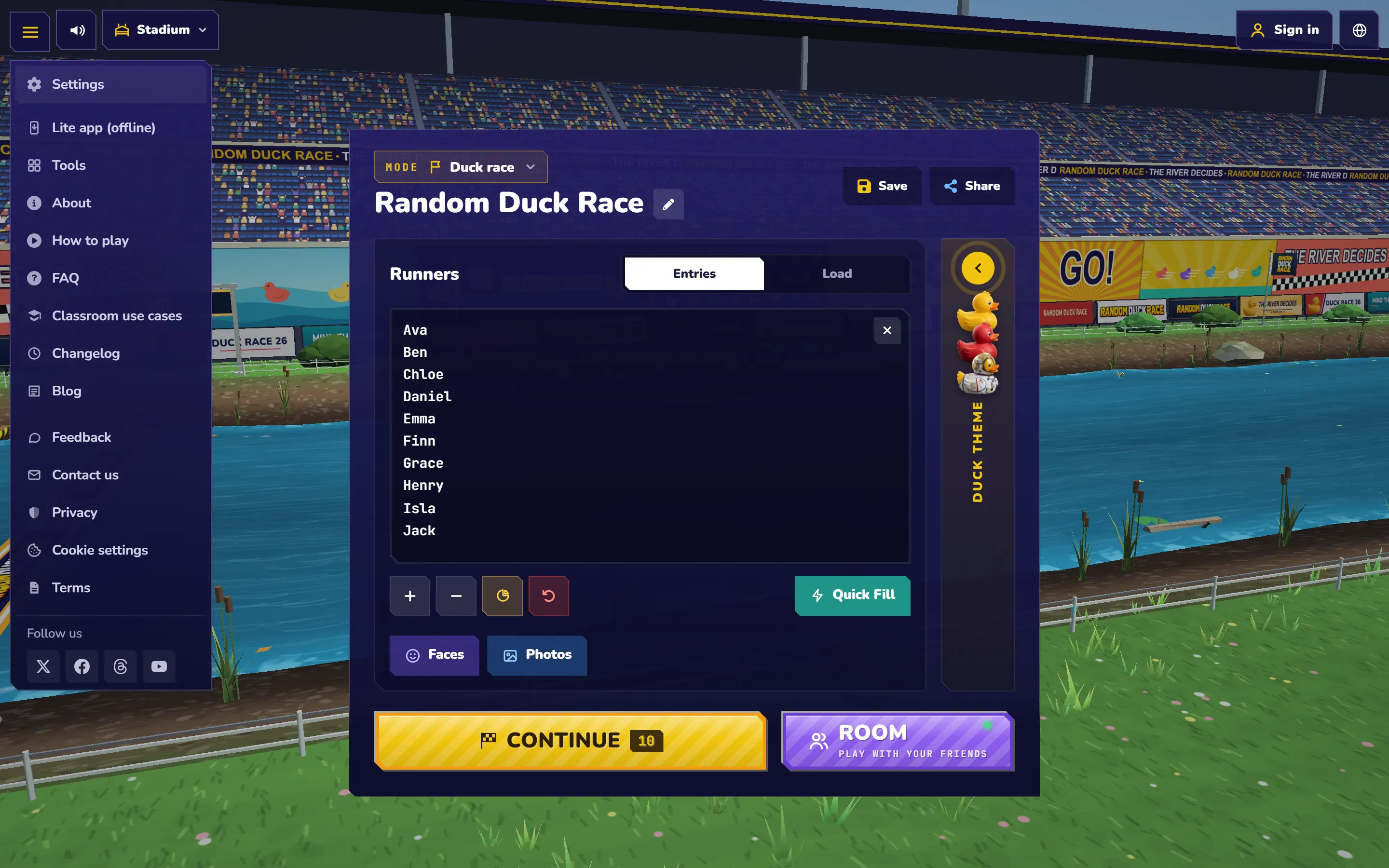
- Open randomduckrace.com/app/, or on the website open the menu ☰ and choose Lite app (offline).
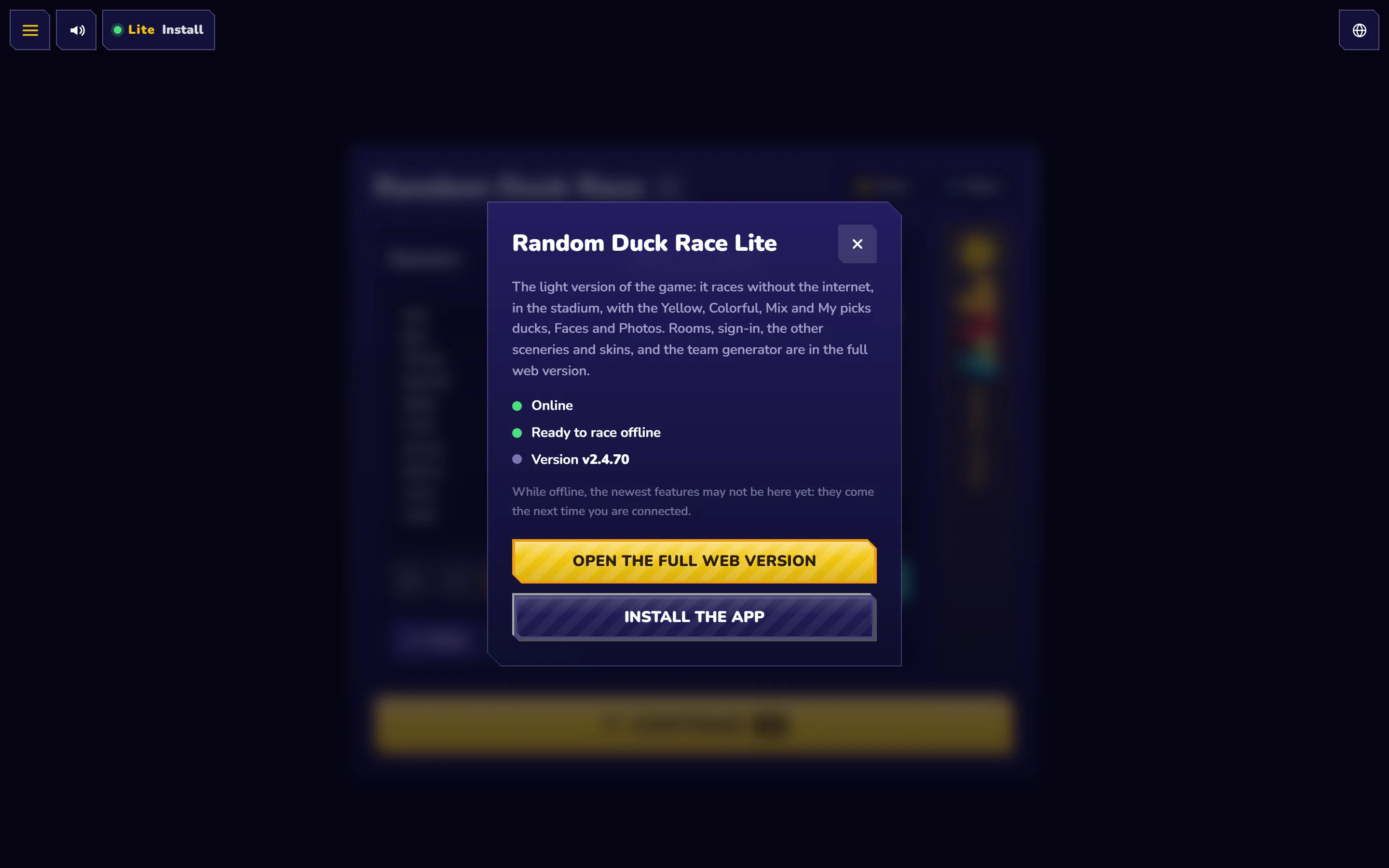
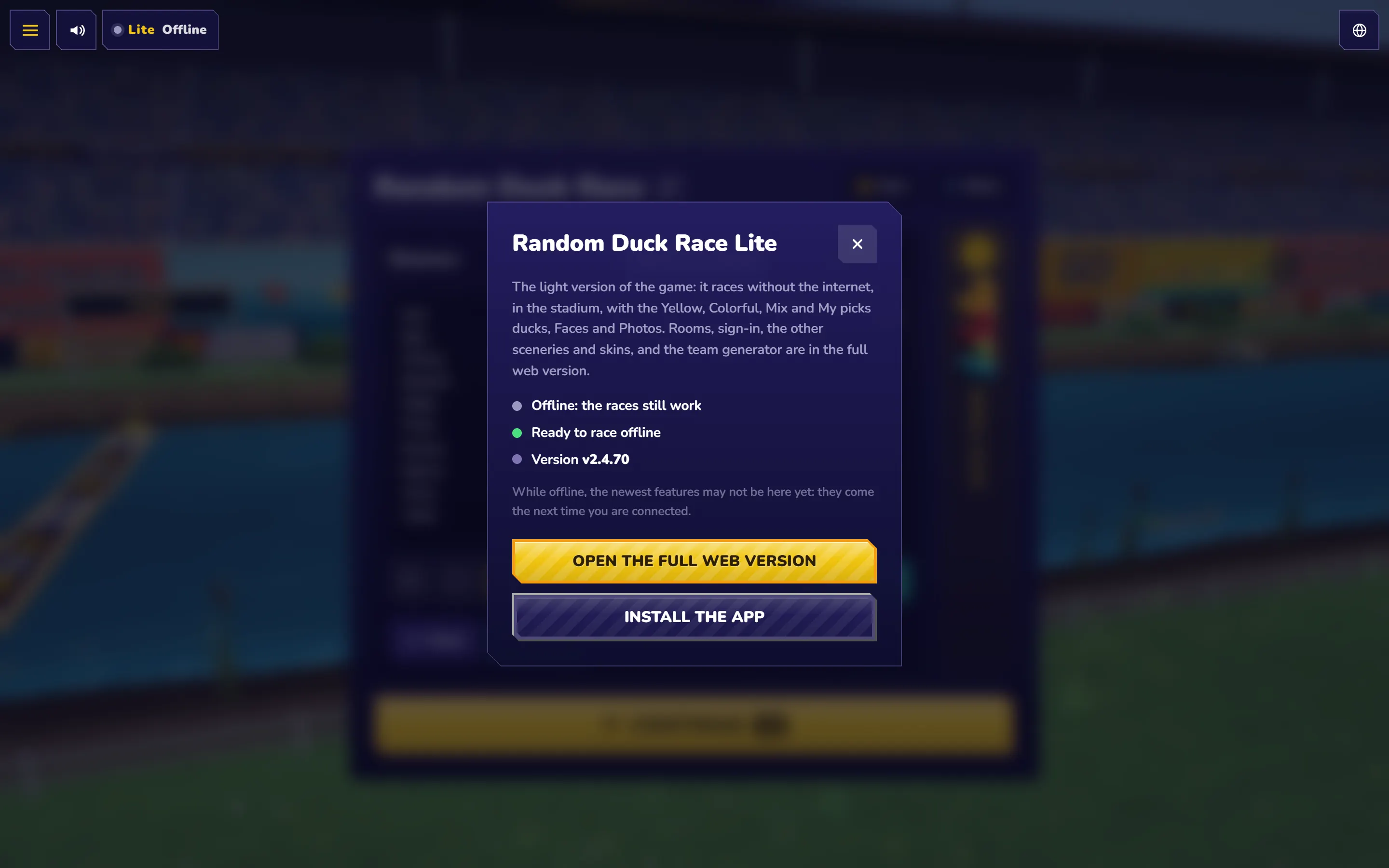
- Press the Lite button at the top: while your browser offers it, it says Install. In its panel, press Install the app. (You can also use the install icon at the right end of the address bar.)
- Confirm with Install. The app opens in a window of its own, and its icon goes on your desktop, Start menu or Dock, like any other app.
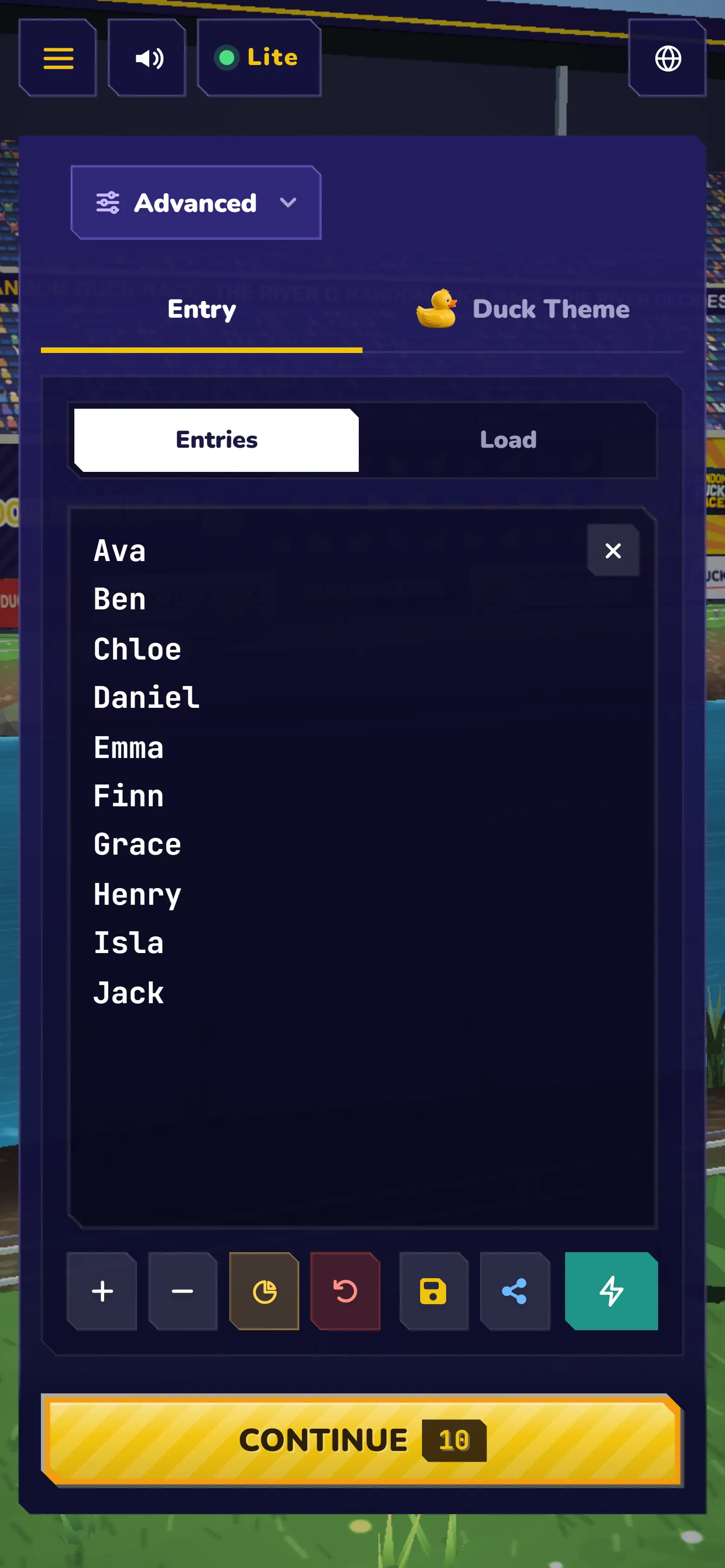
Install it on an Android phone or tablet
- Open randomduckrace.com/app/ in Chrome.
- Tap Install when Chrome offers it, or open Chrome’s menu ⋮ and tap Install app (on some phones: Add to Home screen).
- The duck icon appears on your home screen. Tap it to race, full screen.
Install it on an iPhone or iPad
- Open randomduckrace.com/app/ in Safari.
- Tap Share (the square with an arrow), then Add to Home Screen.
- Tap Add. The app opens from your home screen, without Safari’s bars.
Racing offline
Open the app once while you are online: it keeps every file a race needs, and its panel says Ready to race offline. From then on it opens and races anywhere. With no internet, the Lite button says Offline, and everything in the app still works.
Updates
The app updates itself when it is online. When a new version is ready, the Lite button turns amber and says Update: press it, then Update now. While offline, the newest features may not be there yet: they arrive the next time you are connected.
Other browsers
A browser without an install button (Firefox on a computer, for one) can still race offline: open randomduckrace.com/app/ once, bookmark it, and it opens from the bookmark even without the internet.
Questions
Is the app free?
Yes, like the website: no account, no app store, no in-app purchases.
How much space does it take?
About 8 MB: the game, the stadium, the Yellow and Colorful ducks and the 16 languages.
Are my names and photos sent anywhere?
No. Your lists, faces and photos stay on your device, in the app.
How do I remove it?
On a computer, open the app’s menu (⋮ at the top of its window) and choose Uninstall. On a phone, press and hold its icon and remove it, like any other app.
More to read: a duck race in your slides, racing with photos and 10 classroom ideas.
Keep reading
All posts Classroom
A Duck Race in Your Slides: PowerPoint, Canva & Google Slides
One free link puts your race in PowerPoint (Web Viewer), Canva (Embed) or Google Slides, with your class list already on the start line.
 Guides
Random Picker with Pictures: Race Faces, Pets or Any Photo
One class photo, every face a racer — or any photo as a runner: pets, products, logos. The photos stay on your device.
Classroom
10 Creative Ways to Use Random Duck Race in Your Classroom
From picking a student and forming random groups to “Duck of the Day” and vocabulary races: ten tried-and-tested ideas for the classroom.